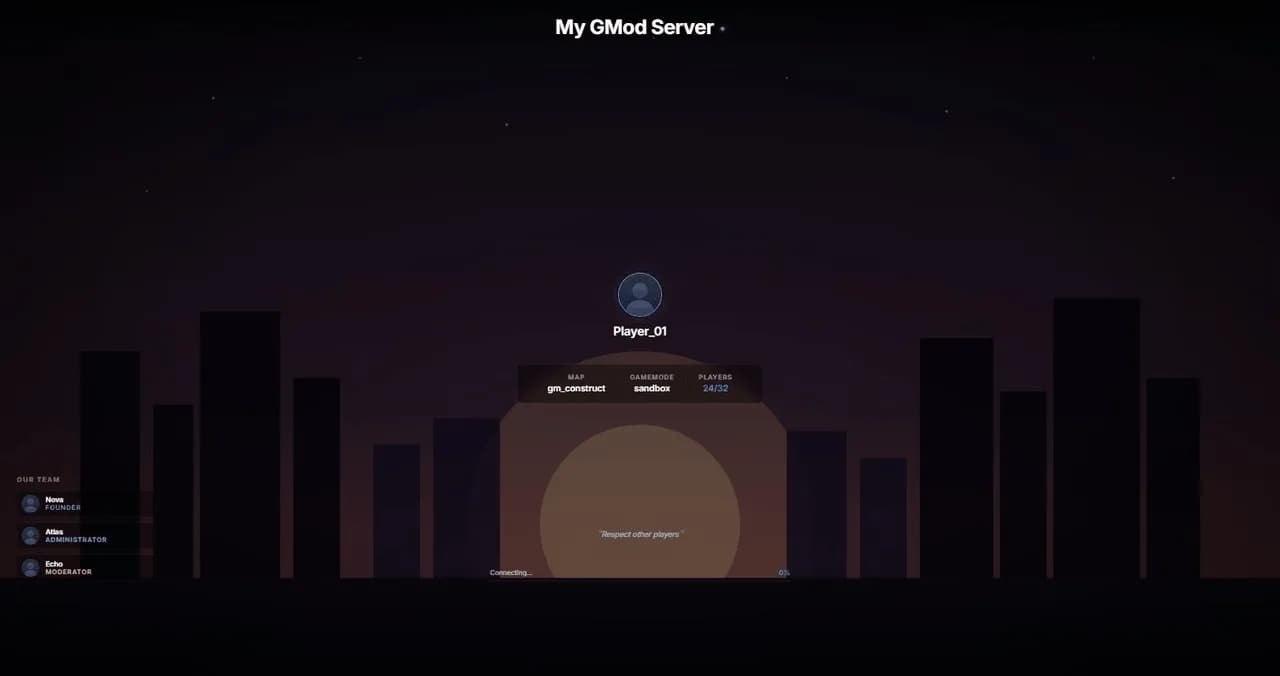
Minimal Dark: GMod Loading Screen Theme
Clean dark layout with centered player greeting, live map and player chips, rotating rules and subtle progress bar.
- Live server info (map, gamemode, players)
- Real download progress from GMod's engine
- Background music with player volume sync
- Background image slideshow
- Staff roster with Steam avatars
- Server rules display
- Custom colors
About Minimal Dark
Minimal Dark strips the loading screen down to what players actually read: your server name, the map they're joining, and clear download progress on a deep dark canvas. No particles fighting for attention, no gimmicks, just typography and spacing doing the work.
It's the safest choice when your community's branding is strong on its own, or when you simply want joining players to feel they're entering a serious, well-run server. Because the layout is so restrained, it stays perfectly readable at every resolution GMod throws at it.
Best for
- Servers that want a professional, understated look
- Communities with strong existing branding
- Any gamemode: the neutral option that never clashes
Every theme connects to your server the same way: one sv_loadingurl line in server.cfg. See the installation guide or start with the loading screen maker.
Related guides
More loading screen themes
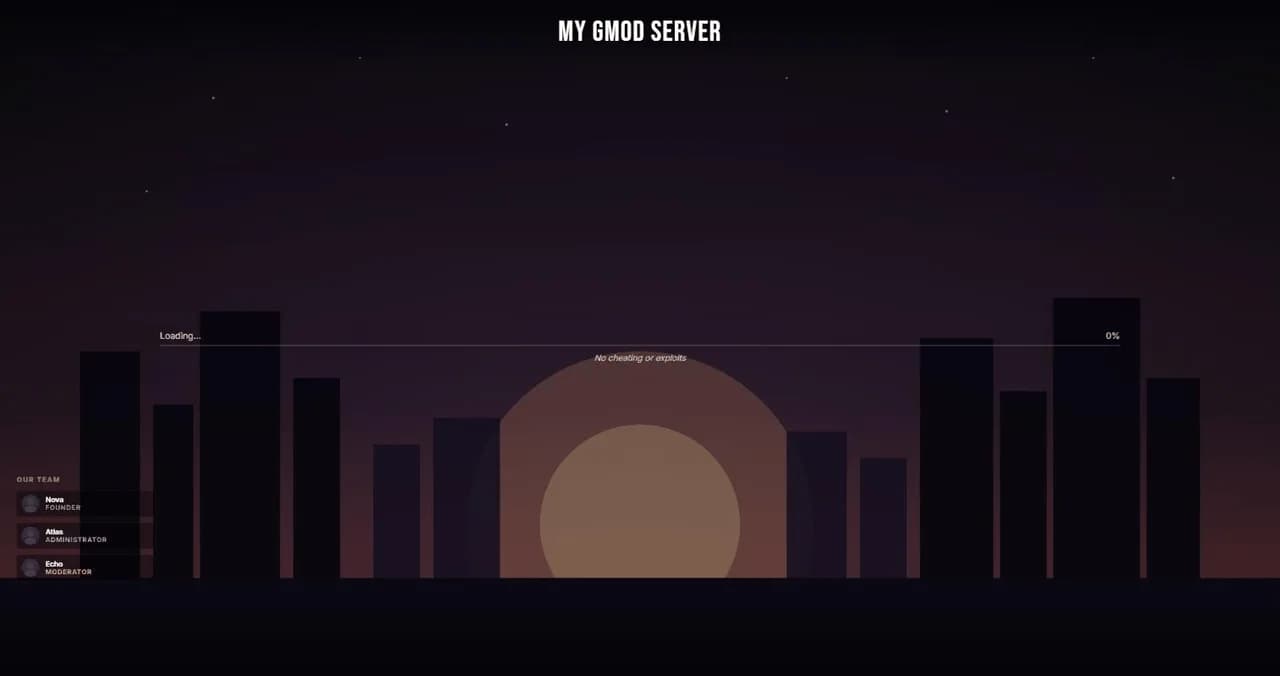
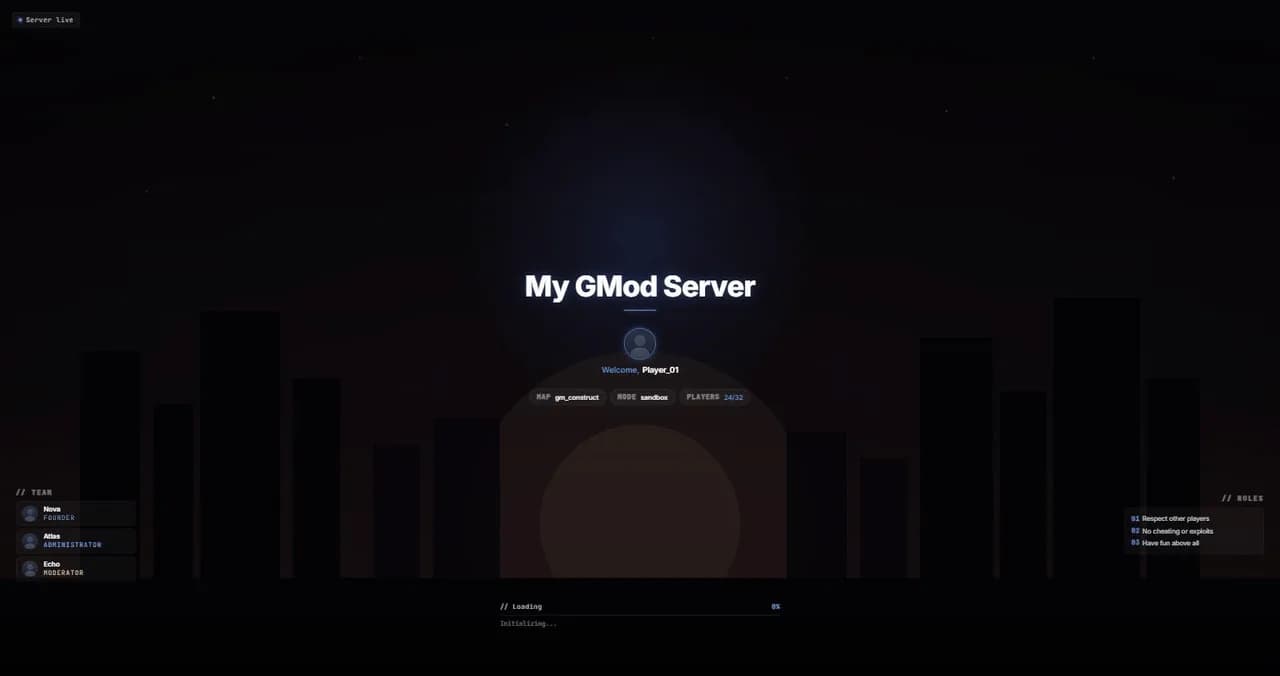
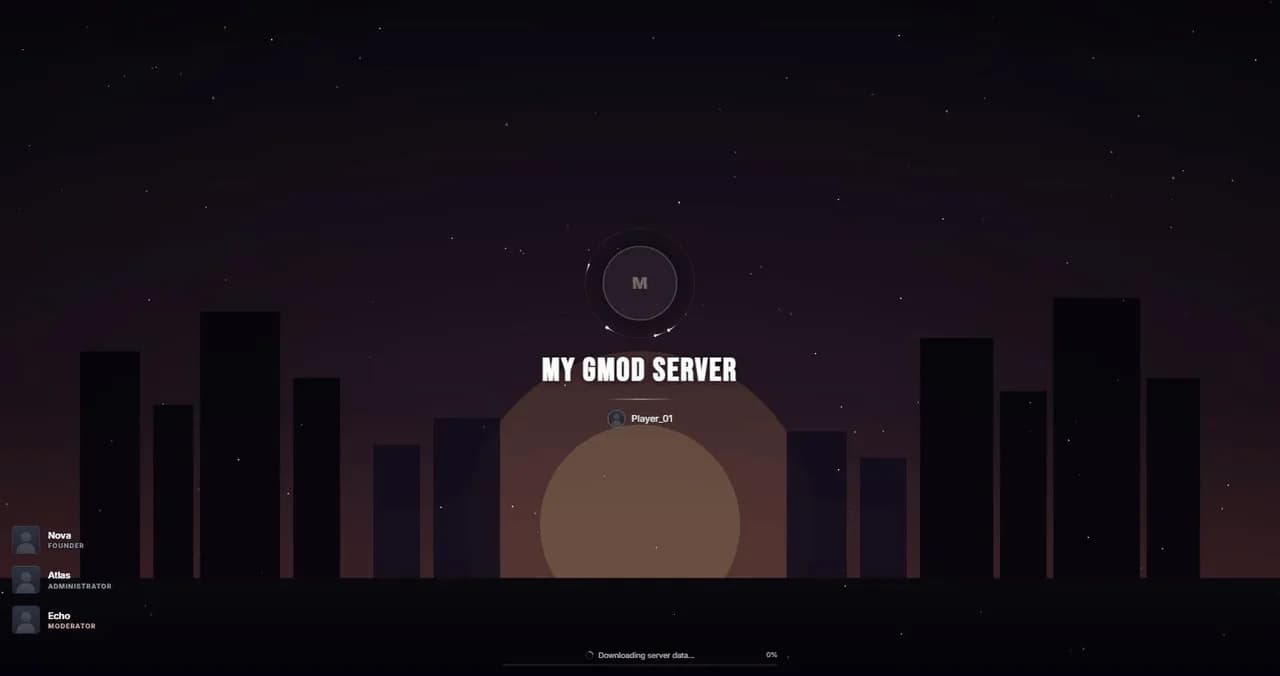
Ready to impress your players?
Create your first loading screen for free. No credit card, in just a few minutes.